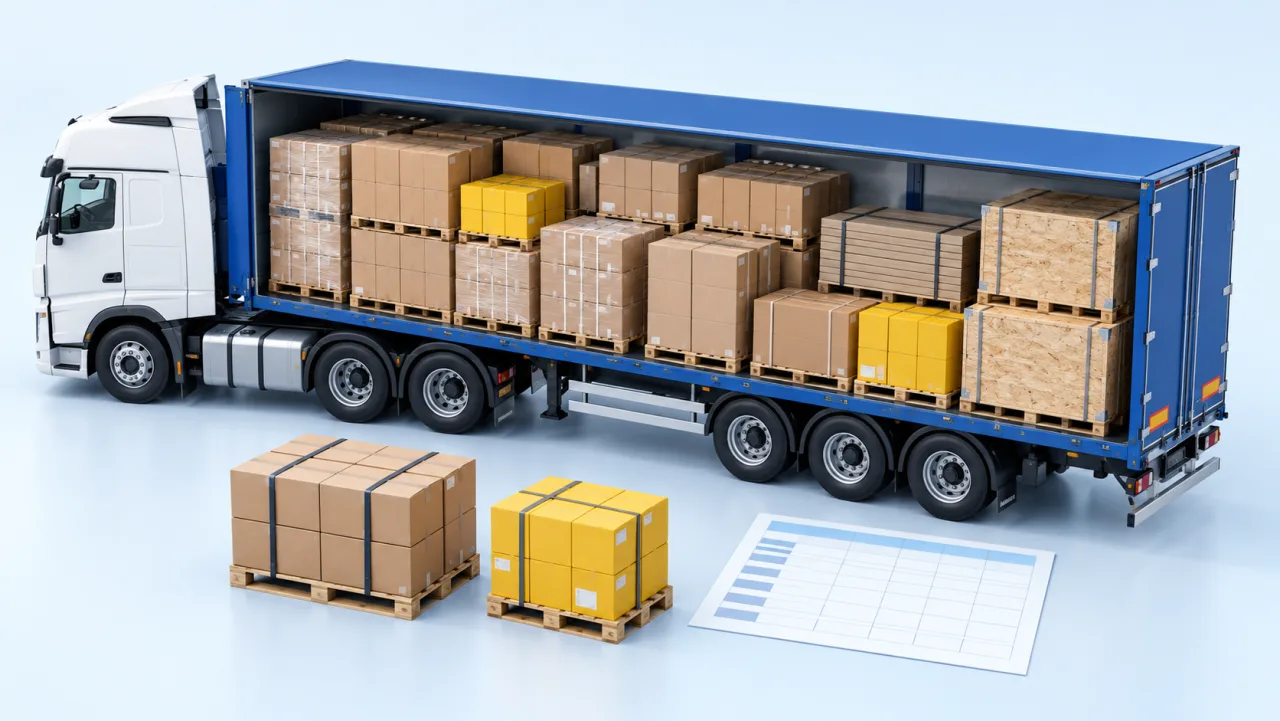
Truck loading software turns cargo dimensions, vehicle data and loading rules into a 3D placement. Use the result to review space, weight distribution and the loading sequence before dispatch.
A truck presents a planning problem that is not captured by its total capacity. A road vehicle is limited by how weight is distributed along it. A semi-trailer can be below its total weight limit while an individual axle exceeds its permitted load.
Truck loading software helps make that distribution visible before the vehicle leaves the yard. The calculation still depends on accurate vehicle data, cargo weights and the limits entered for the journey.
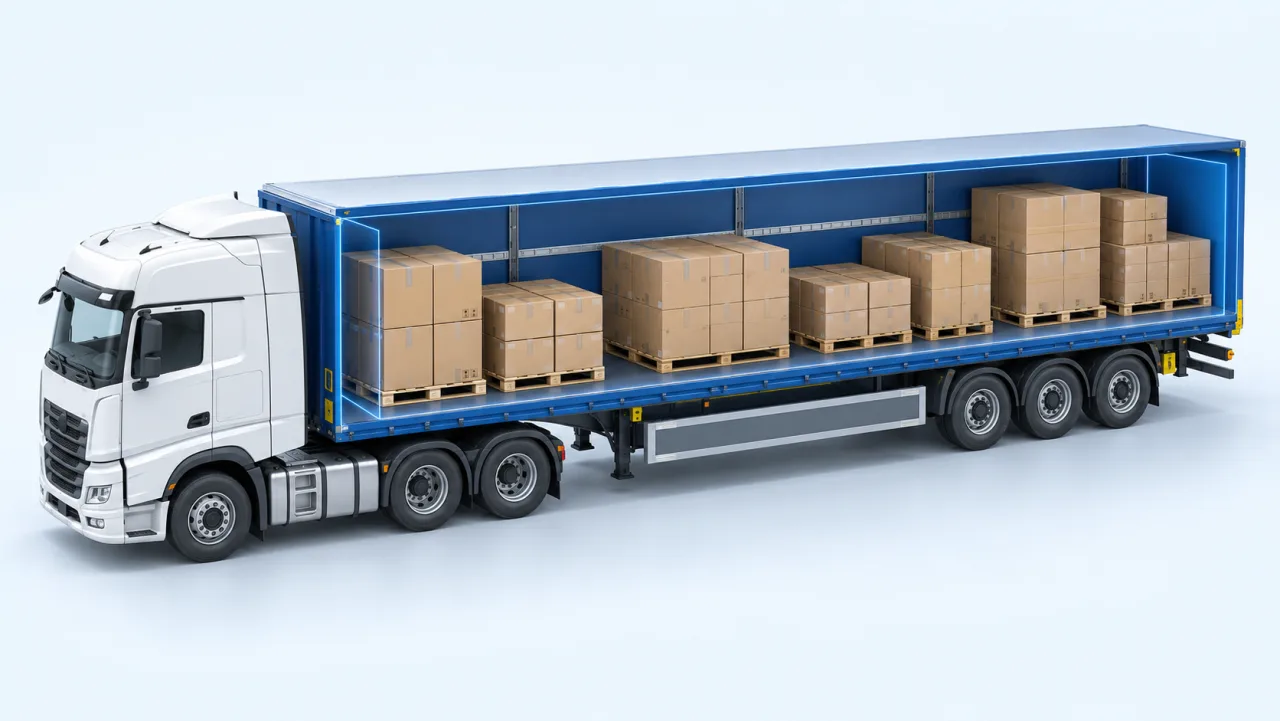
Review cargo positions along the deck, not just the total volume. This illustration is not a calculated or secured loading plan.In this guide
Give it three things – the cargo, the vehicle and the rules – and it returns a placement.
The cargo
The cargo is a list of items with dimensions, weight and quantity. In CargoTetris, this list can be entered manually or imported from Excel using the product's template. Check the imported rows against the dispatch list before calculating, especially when an order has many lines.
Use the outside dimensions of the shipping unit. Our cargo volume guide explains the measurement step. If the units are loaded pallets, include the pallet base and any overhang.
The vehicle
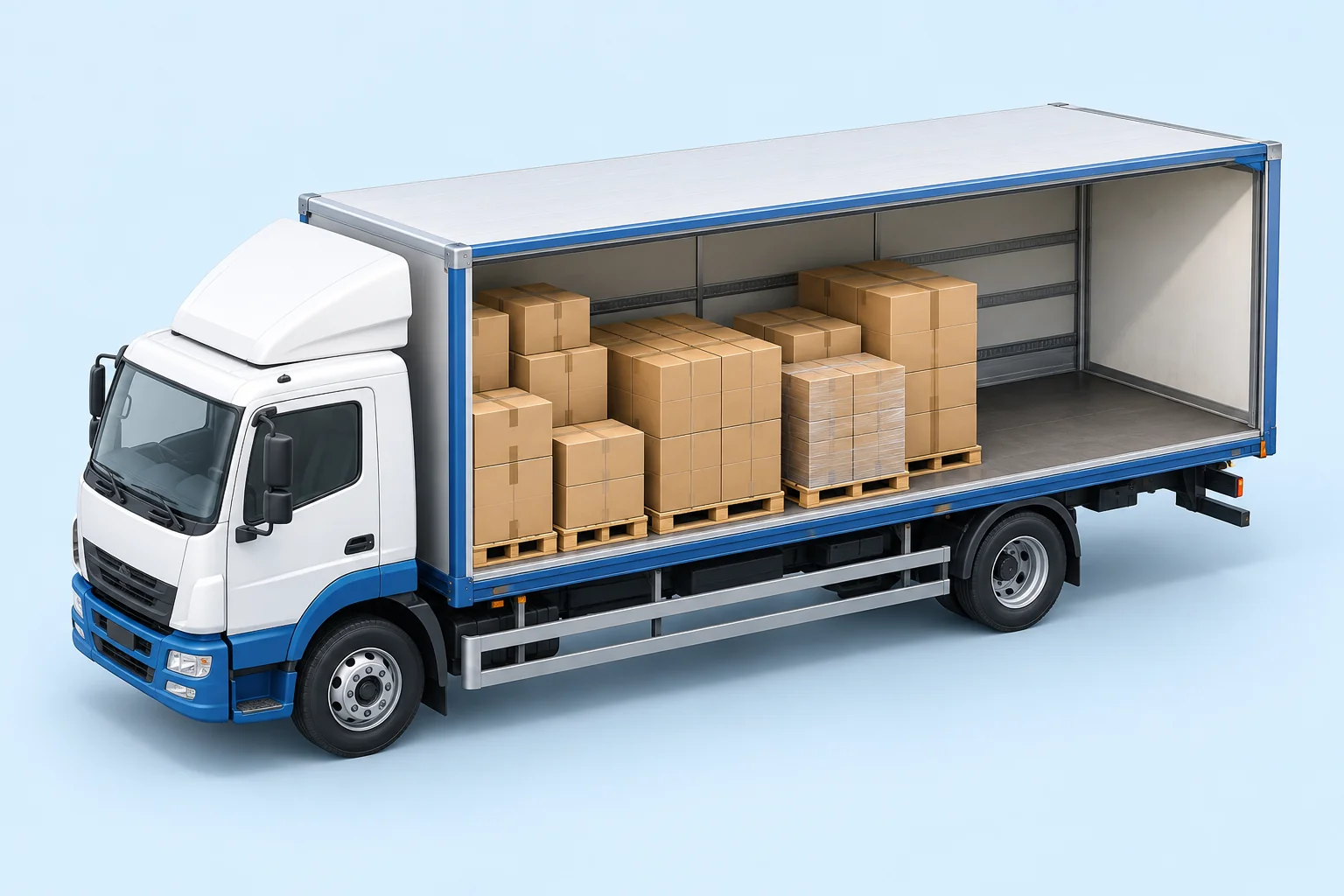
Choose a relevant cargo space and check that its usable dimensions and vehicle data match the equipment you will dispatch. A standard profile is a starting point, not confirmation of the actual vehicle's capacity. Verify the configured tractor, trailer and axle limits.
The rules
Record how high cargo may be stacked, how much weight may rest on it, which orientations are allowed and whether it must stay on the floor. Apply the supported restrictions and review the result against your handling requirements. Floor-only cargo consumes deck area even when free height remains above it.
The limits the plan is checked against
Do not use a single generic weight limit for every truck. The vehicle's technical ratings, axle arrangement and applicable route rules all matter. A limit configured in software must be checked against the vehicle and the intended operation.
Check these inputs before calculating
Input
What to verify
Why it matters
Loading space
Usable internal dimensions, obstructions and door opening
Outside vehicle dimensions do not describe the available cargo space.
Cargo weight
Weight of the complete shipping units, including packaging and pallets
An omitted pallet or package weight affects the load calculation.
Vehicle data
Vehicle configuration and the tare and axle data required by the selected profile
Axle readings depend on the equipment, not only on the cargo total.
Configured limits
Cargo, coupling and individual axle limits for the actual operation
A stored profile may not match the vehicle or route.
Handling rules
Stacking, orientation, floor-only cargo and access for unloading
A geometric fit can still be unsuitable for the loading team.
A software result is a planning check, not transport authorisation. Confirm current legal requirements for the country, route and vehicle configuration, and verify the loaded vehicle as required before dispatch.
A worked example from the product demonstration
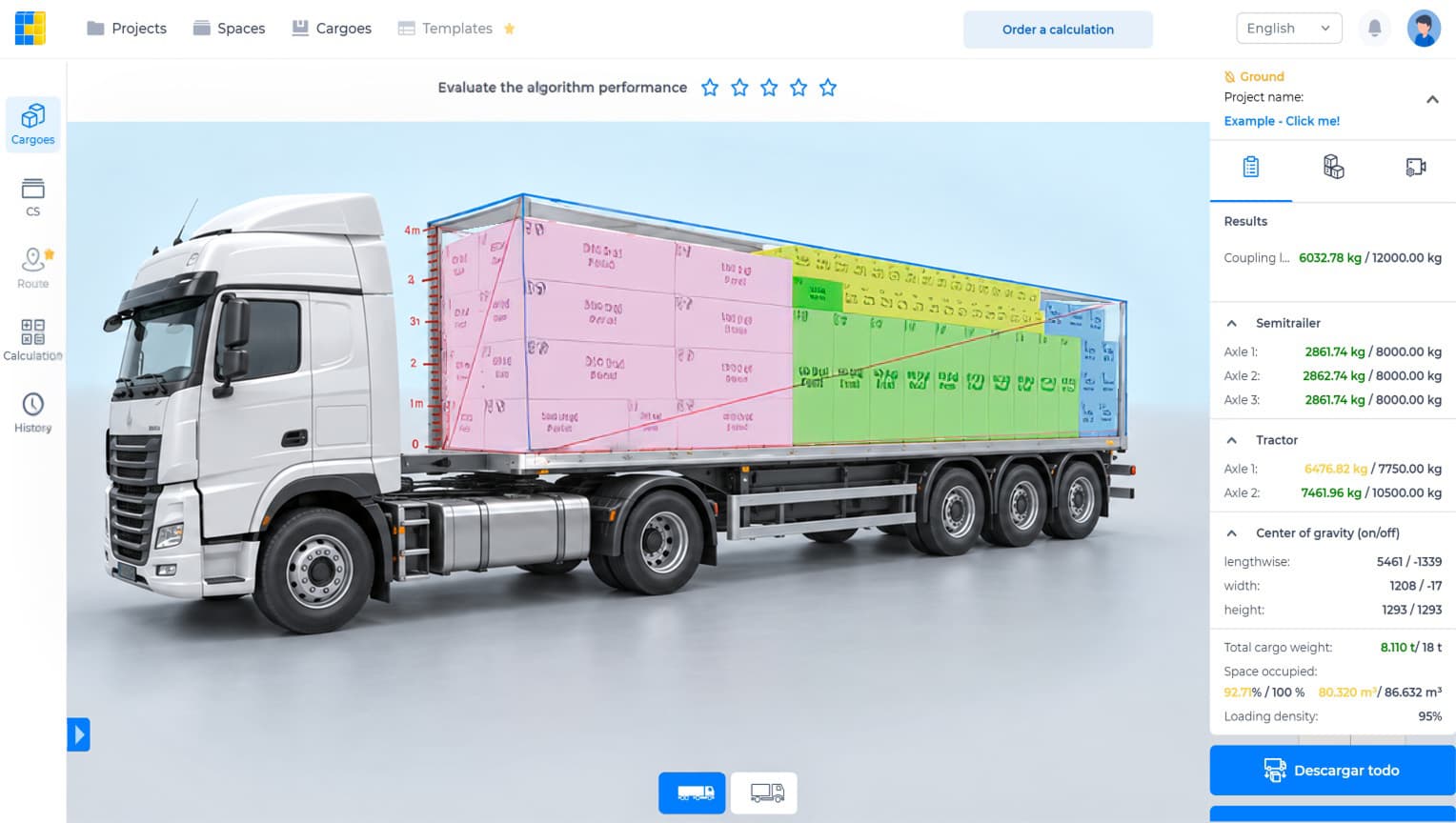
Abstract explanations of axle load are easy to follow and harder to act on. The actual CargoTetris product image below shows a tractor and semi-trailer with mixed cargo. These are its displayed values, not a customer savings case.
Displayed result versus the configured limit
Measure
Result
Configured limit
Share
Total cargo weight
8.110 t
18.000 t
45.06%
Space occupied
80.320 m³
86.632 m³
92.71%
Coupling load
6,032.78 kg
12,000.00 kg
50.27%
Tractor axle 1
6,476.82 kg
7,750.00 kg
83.57%
Tractor axle 2
7,461.96 kg
10,500.00 kg
71.07%
Semi-trailer axle 1
2,861.74 kg
8,000.00 kg
35.77%
Semi-trailer axle 2
2,862.74 kg
8,000.00 kg
35.78%
Semi-trailer axle 3
2,861.74 kg
8,000.00 kg
35.77%
Each share is calculated as result ÷ configured limit × 100, rounded to two decimal places. Keep the unrounded cargo and vehicle measurements in your working data.
Read the first two rows together. The displayed cargo occupies about 93% of the volume while using about 45% of the configured cargo-weight limit. That does not mean the remaining volume can accept any particular item: its shape, position and handling rules still matter.
Now read the axle rows. The trailer axles are at about 36% of their configured limits, while the tractor's front axle is at about 84%. That spread is not visible in the cargo-weight total. Moving a heavy item can change the distribution; review the recalculated figures after an edit.
Actual product image from the CargoTetris website. The table reproduces its displayed values; the limits belong to this demonstration profile.
The panel also displays centre-of-gravity information. Treat it as another planning input; it does not by itself prove handling stability or adequate cargo securing.
When the calculation fits but the plan needs review
A loading algorithm only uses the inputs and rules represented in the project. It may not represent every operational detail: the side from which a forklift approaches, a customer's unloading access or a handling restriction not included in the data.
So the layout is editable. CargoTetris supports dragging cargo in the 3D scene. Its context menu offers rotation, stacking and removal controls. Apply only movements that are permitted for the actual cargo, then review the resulting arrangement and load readings.
The software proposes an arrangement; the planner and loading team check whether it can be carried out.
Loading order
For cargo that unloads in stages, CargoTetris provides a loading-sequence option. Arrange cargo groups in the required order in the cargo-addition tab, then inspect the resulting layout.
For a vehicle unloaded through the rear, later deliveries are often placed deeper inside so that earlier stops remain accessible. Check side access, stacking and axle loads as well. A suitable departure load does not prove that every partially unloaded state has the same weight distribution.
A plan has to reach the people loading the vehicle. CargoTetris provides PDF and Excel reports, alongside the 3D view, so the team can review the arrangement and loading instructions. Check that the report corresponds to the final cargo list and the final calculation.
Start with a load you already know
Enter a shipment you dispatched recently and compare the planned arrangement and axle readings with the loading records and available axle-specific weighing data. Keep the vehicle, cargo and weighing conditions consistent. A ticket showing only gross weight cannot validate every axle result.
Record the time needed to prepare the data, calculate, make corrections and hand over the plan. That gives you a practical comparison with your current method without assuming a saving in advance.
Watch the CargoTetris workflow
See the English product walkthrough, from cargo data to loading instructions. Duration: 7:52.
Build your truck loading plan
Create an account, enter your cargo data and review a 3D loading arrangement for the vehicle you plan to use.
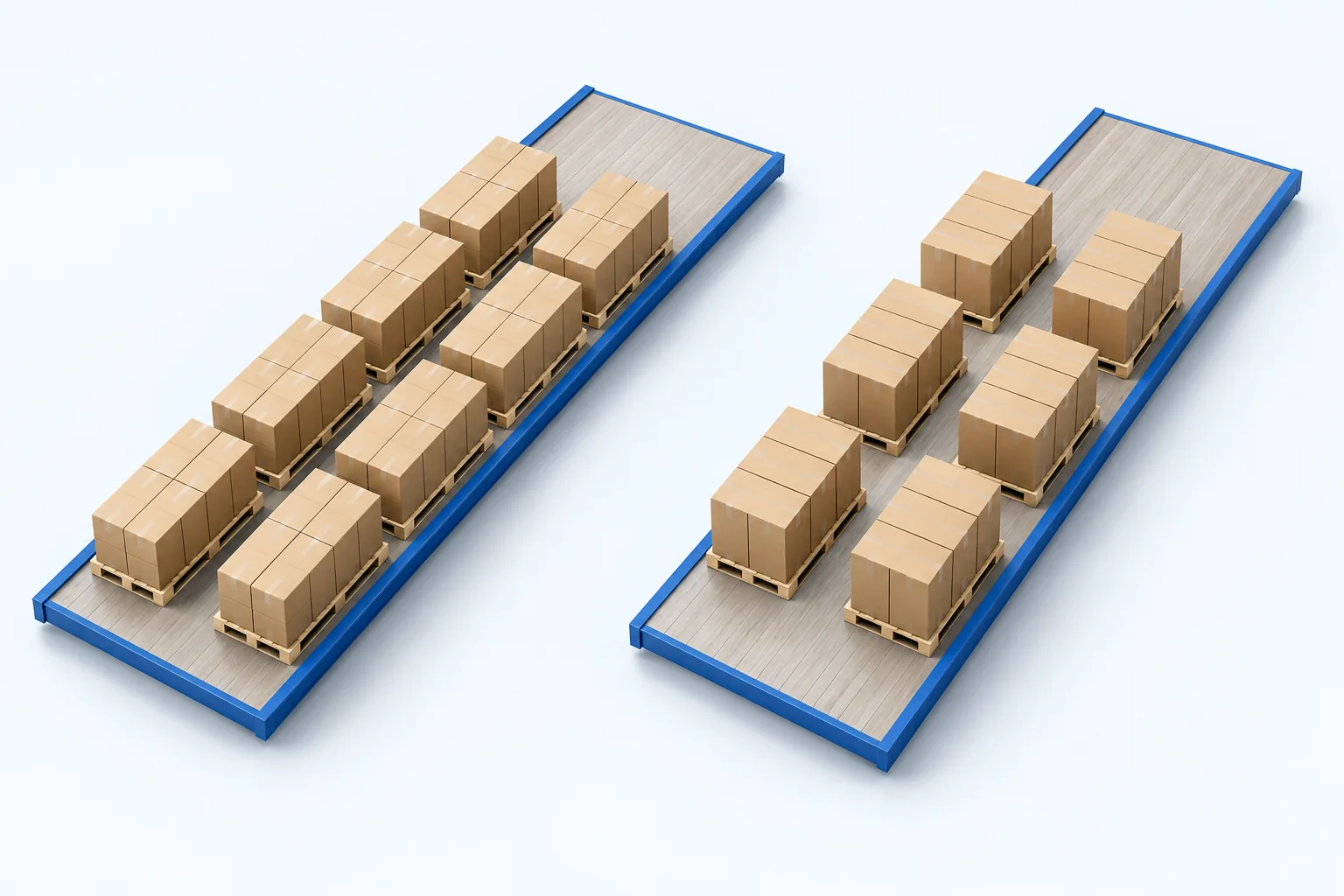
Compare the same cargo on the same usable floor. See how orientation changes the number of positions, remaining space and questions to check before loading.