Cargo rules in load planning: types, positions and stacking limits


A load plan answers a constrained question. The available loading space matters, but so do the goods: their shape, permitted orientation, stacking limits and support requirements.
Keep those requirements with the cargo data and review them when packaging changes. Missing or incorrect rules can make a geometrically plausible arrangement unusable at the dock. This guide explains the information to prepare and verify.
In this guide
Start with the cargo type
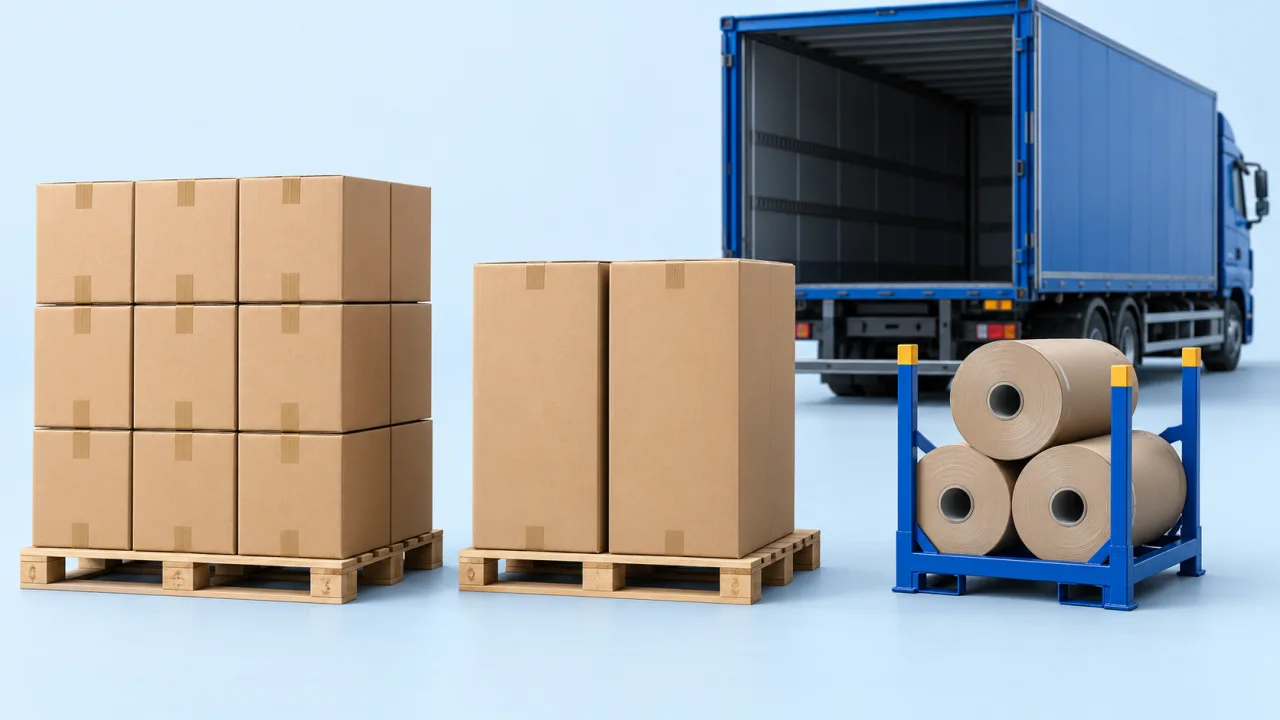
Not all cargo is a box. The following table is a data checklist for common cargo representations. Confirm which types and fields are available in your CargoTetris workspace; specialist modes and some handling controls can depend on the account configuration.
| Type | Described by | Typical goods |
|---|---|---|
| Box | Length, width, height | Cartons, crates, pallets, appliances, panels |
| Cylinder | Diameter, height | Drums, reels, coils, rolls |
| Tire | Diameter, height | Tires of every class |
| Tube | Diameter, length | Pipe, profiles, long cylindrical goods |
| Bulk cargo | Mass | Loose material planned by weight |
Use the measured dimensions of the complete shipping unit. A tire designation, product drawing or pipe nominal size may not include the packaging or bundle envelope. Keep the model aligned with what the warehouse actually moves.
| Input | Value |
|---|---|
| Permitted weight on top | 40 kg |
| Proposed upper shipping units | 3 cartons × 15 kg |
| Total above the lower unit | 45 kg |
| Comparison | 45 kg exceeds 40 kg by 5 kg |
Use the actual supported load path and packaging conditions. The arithmetic checks the stated example only; it does not establish stability or support across an entire mixed stack.
Cargo position
Permitted positions change which arrangements are available. They are handling constraints, not settings to relax just to increase fill rate.
For round cargo, describe the required physical position explicitly and match it to the 3D view:
Lying on its side – identify the axis and the required supports.
Standing upright – check the base, height and permitted stacking.
Alternative positions – allow only those approved by the supplier and loading team.
For long pipe, verify the supported horizontal representation and the real supports. Do not assume that a position selector applies identically to every type of cylindrical cargo.
For cartons and other rectangular units, check the rotation settings available in the workspace. Restrict positions that conflict with this-side-up instructions or with the item's support requirements.
Allow only positions the warehouse is permitted and able to use. A mathematically tighter arrangement is not useful if it violates handling instructions.
Tier count
The tier limit describes the permitted number of stacked levels under the applicable packaging rule. Check how the product defines the value and whether it applies to identical units, mixed stacks or a particular cargo group. A tier count alone does not establish every support-load constraint.
Take the permitted tier count from the product or packaging specification and keep its conditions with the cargo record.
Maximum weight on top
The permitted weight on top is a support limit supplied with the cargo or packaging data. It is not something the geometric model can determine from dimensions alone. Confirm how the available setting is applied before using it as an acceptance criterion.
Two items with identical dimensions can have different support limits. Thin-walled and thick-walled pipe, or different packaging constructions, illustrate why geometry does not reveal compressive capacity.
Floor-only placement
Some goods must never sit on top of anything else. Restricting an item to the floor of the cargo space expresses that directly.
Floor-only goods use the available deck rather than space above other cargo. That affects the remaining placement options and can also affect road-vehicle weight distribution.
Master boxes
When packaging has several levels, preserve the units inside each shipping package and the package's outer dimensions and gross weight. Use master-box features only where enabled and supported for the workflow. Do not double-count the contents and their complete package.
Groups and loading sequence
Rules describe individual items. Groups describe what belongs together: an order, a customer, a delivery point. The loading sequence option then sets the order in which groups are placed, which is how a load is made to unload in the right order rather than merely to fit.
Where the rules are applied
Verify the relevant rules for the selected pallet, container, vehicle or custom space. An integration also needs an agreed mapping for supported handling fields; the availability of a UI control does not prove that the same field exists in every API contract.
Fill them in once
Start with a representative set of frequently shipped items. Confirm their dimensions, permitted positions, tier limits and support requirements, then compare the plan with actual handling. Keep responsibility for updates clear when packaging or product data changes.
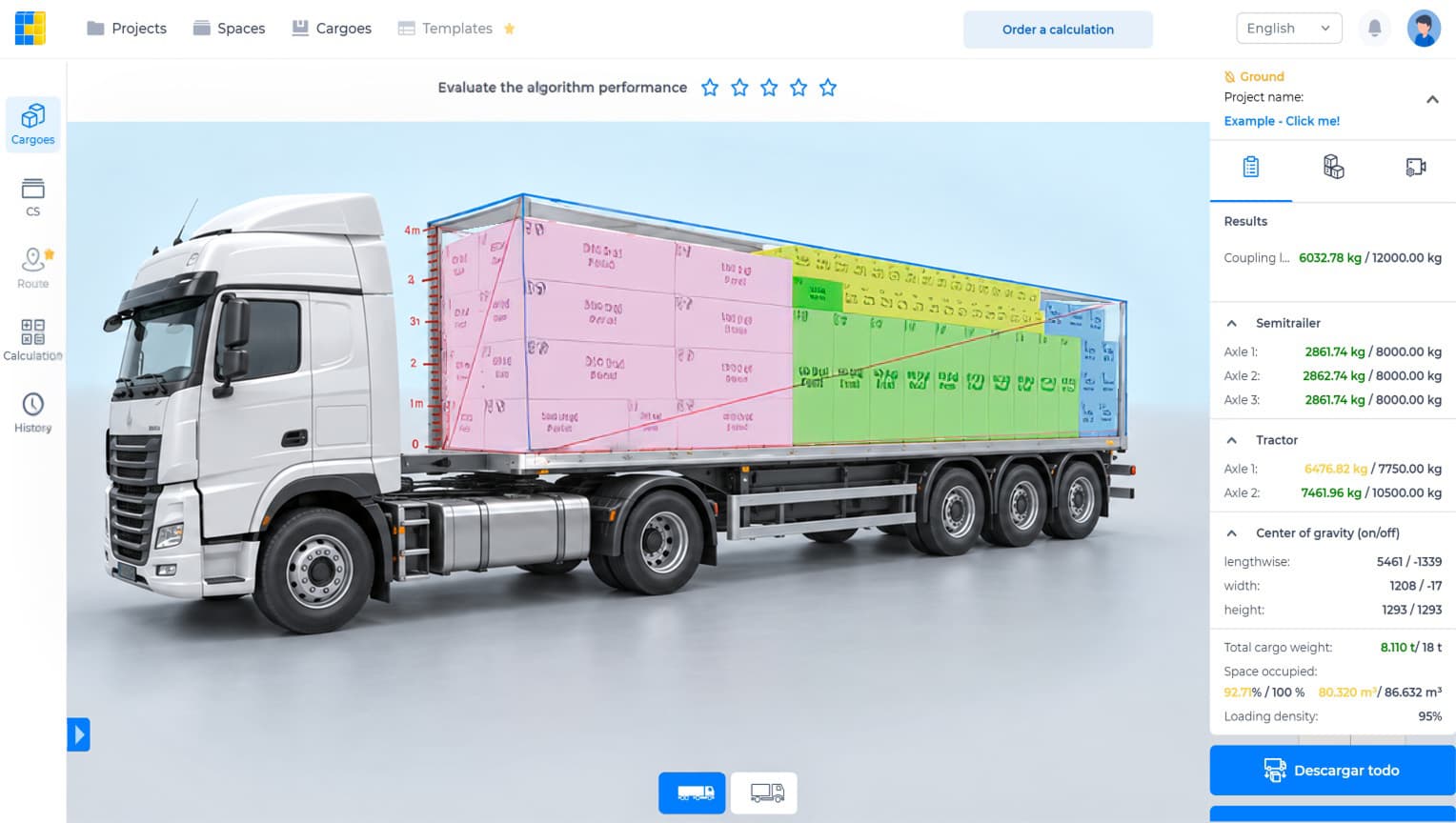
Watch the CargoTetris workflow
See the English product walkthrough, from cargo data to loading instructions. Duration: 7:52.

Start with your own cargo list
Create an account, enter a representative shipment and review the available planning workflow with your team.
Continue to complete registration in the app.
Leia também