
Load optimization API for ERP, TMS and WMS


Load planning rarely starts from a blank screen. The cargo already exists somewhere: as an order in an ERP, a shipment in a TMS, a pick list in a WMS. Re-entering it into a separate planning tool is duplicated work, and duplicated work is where data goes out of sync.
An agreed API integration can remove manual re-entry: the system holding the order sends the required data for calculation and receives a result. The supported exchange must be defined before implementation.

In this guide
What the integration does
At a conceptual level, the input includes cargo dimensions, weights, quantities and supported handling rules, together with the loading-space data. Agree the exact request schema and result fields with the integration team. The public article is not an endpoint or API contract specification.
Your system then decides how to use the agreed response: display it to a planner, attach it to the shipment or flag a result for review. Dispatch blocking requires validated business rules and exception handling; it should not be assumed to follow from an integration alone.
| Area | Agree and verify |
|---|---|
| Inputs | Item IDs, packed dimensions, units, gross weights and quantities |
| Handling rules | Supported fields, valid values and behaviour when values are missing |
| Results | Placed and unplaced items, units, agreed metrics and calculation identifier |
| Failures | Validation messages, timeouts, retries and duplicate-request handling |
| Acceptance | Compare representative inputs and outputs with reviewed loading plans |
This checklist describes integration requirements. It does not assert that a particular endpoint, authentication method or result field is already available in a standard account.
Where it fits
ERP. Use order data to prepare a load plan before transport is booked. A geometric vehicle count is one input to a quotation, not a complete freight price.
TMS. Plan before the vehicle is booked. Knowing that a shipment needs one trailer and not two, or that it will not pass an axle check as ordered, is worth more before the booking than after it.
WMS. Plan at the point of picking, so the sequence in which goods leave the racks matches the sequence in which they go on the vehicle.
The data question comes first
A practical integration starts with the master data as well as the API. Both need acceptance checks.
Load planning needs an accurate record of each shipping unit: its type, packed outside dimensions, gross weight, quantity and handling requirements. Identify which rules the agreed API supports and how unsupported or missing values are reported.
Check whether product records contain net product dimensions instead of packed shipping dimensions, outdated packaging revisions or missing handling rules. These gaps should be fixed before the integration is used for dispatch decisions.
A workable rollout
Plan a representative set of shipments in the interface by hand and confirm the results match reality
Fix the master data those shipments exposed as wrong
Integrate one flow end to end, for example order confirmation in the ERP
Compare planned against actual for a period before switching more flows across
Availability
CargoTetris advertises tailored ERP and WMS integration. Confirm API availability, scope, commercial terms and technical support for your intended setup directly with the team. Do not assume that a standard subscription includes the required endpoints or integration work.
Before development, obtain the current endpoint documentation, authentication requirements, request and response formats, limits and error handling. Agree which system initiates the calculation, who owns the master data and how a failed or incomplete calculation is reviewed.
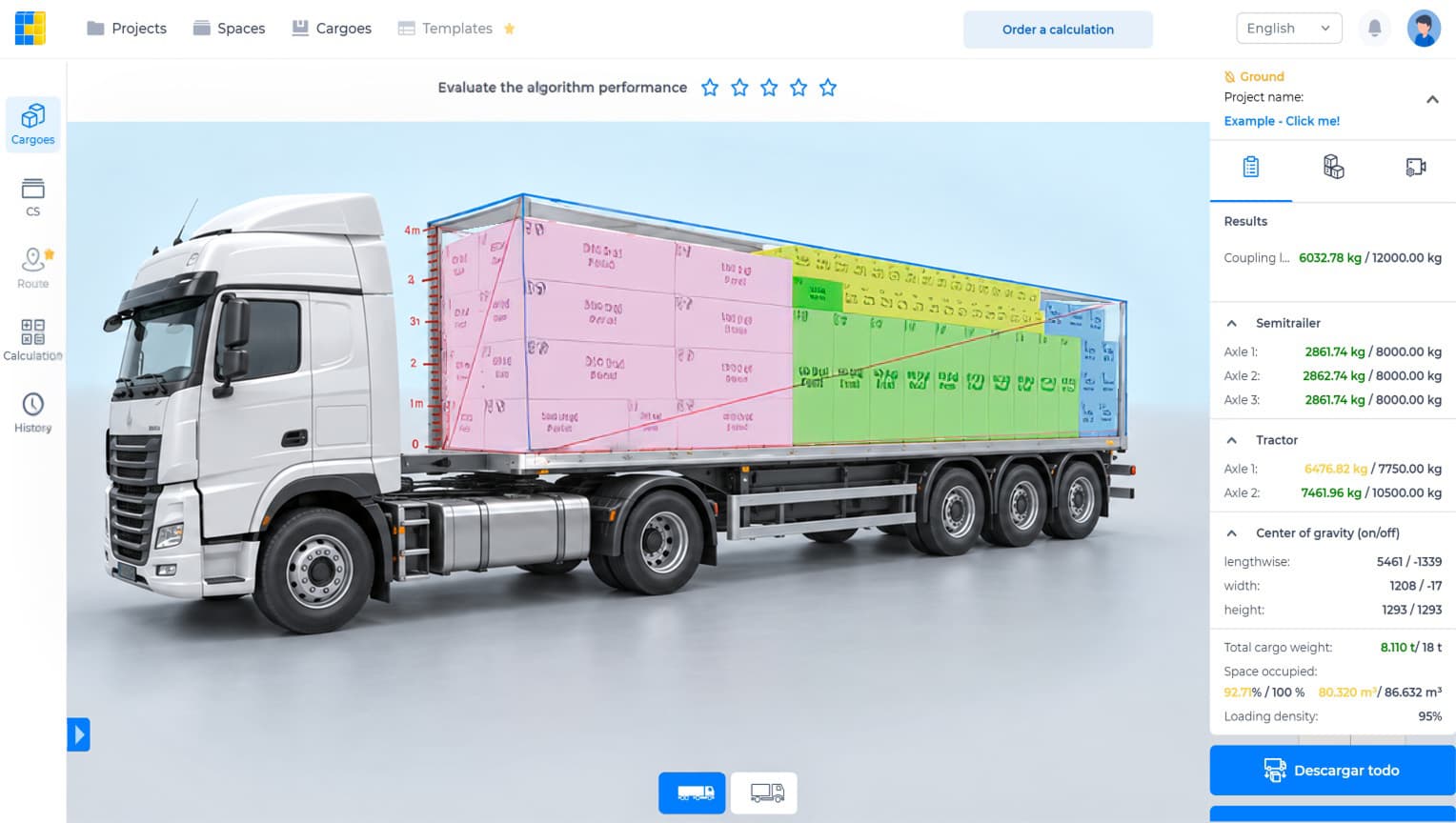
Watch the CargoTetris workflow
See the English product walkthrough, from cargo data to loading instructions. Duration: 7:52.

Start with your own cargo list
Create an account, enter a representative shipment and review the available planning workflow with your team.
Continue to complete registration in the app.
Leia também