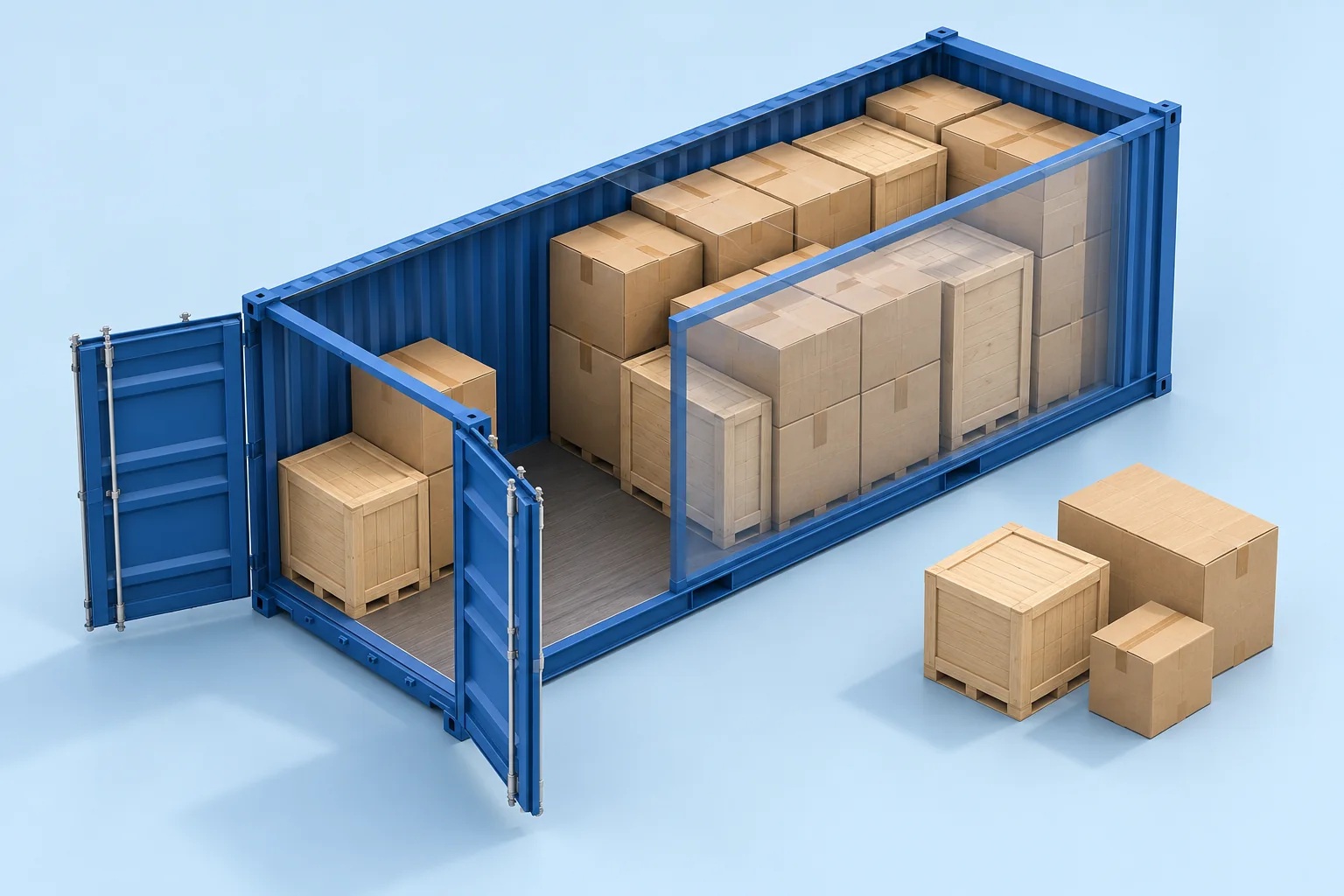
Compare cargo volume with the actual container interior. Then check the door and placement, because a lower CBM total does not guarantee a workable load.
In this example, a 5.90 × 2.35 × 2.39 m interior has 33.14 m³ of volume. Eight loaded pallets total 11.52 m³, but their placement still needs a floor-layout check.
Internal space, the door opening and the cargo arrangement each need a separate check. Illustration.In this guide
Container volume is internal length × internal width × internal height. Cargo volume is the sum of the packed units you want to load. Both values matter, but comparing them is only the first check: a load can be smaller in CBM and still fail to fit.
Use the specification and measurements for the actual equipment. “20-foot” or “40-foot” identifies a container category; it is not an exact description of usable internal space, door opening or payload. Equipment details can vary.
Separate three measurements
Record internal dimensions, door opening and usable loading space. The first describes the interior envelope. The second determines what can enter through the opening. The third accounts for anything that reduces the space available to your shipment, such as equipment, packaging protection or a handling allowance.
Do not subtract an arbitrary allowance twice. If the dimensions already describe a reduced usable space, record that assumption and use those values consistently. Keep the original equipment specification alongside the working figures.
A worked container volume example
Assume an illustrative interior measuring 5.90 × 2.35 × 2.39 m. These are inputs for this example, not a specification for every 20-foot container.
5.90 × 2.35 × 2.39 = 33.13735 m³, or approximately 33.14 m³.
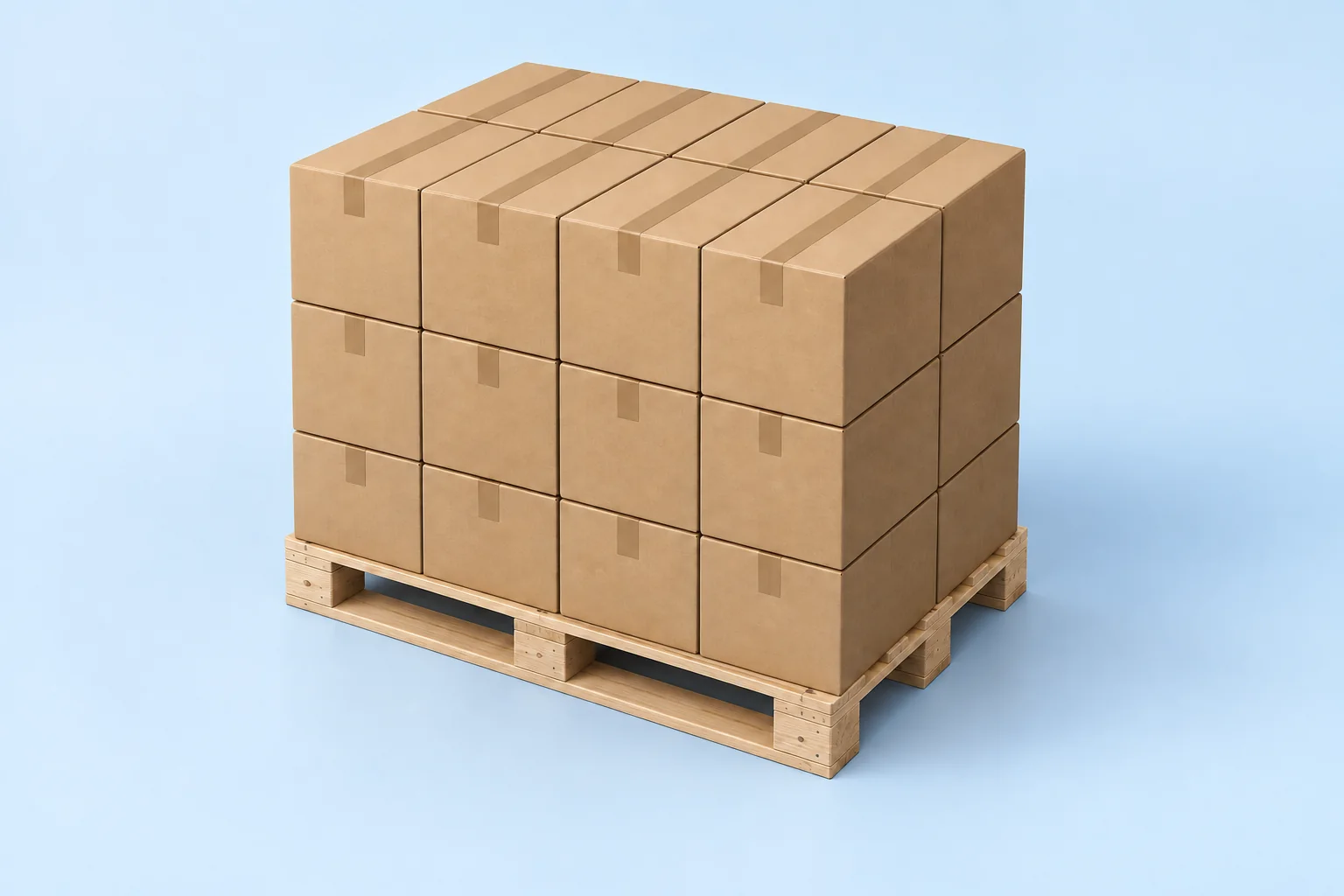
Now consider eight identical loaded pallets, each measuring 1.20 × 0.80 × 1.50 m. Their total outside volume is 8 × 1.20 × 0.80 × 1.50 = 11.52 m³. The volume ratio is approximately 34.8%, calculated as 11.52 ÷ 33.13735 × 100.
Why 34.8% does not describe the whole load
Assume one layer of pallets, no overhang and no additional clearance in this simplified geometric comparison. Placing the 1.20 m side along the container gives four complete rows. Two pallets fit across the width, so the arrangement holds 4 × 2 = 8 pallets.
The pallets occupy 7.68 m² of floor area out of 13.865 m², or approximately 55.4%. Their volume ratio and floor coverage are different because the load is shorter than the interior and leaves unused space above it.
Worked example – illustrative inputs
Check
Example calculation
What it tells you
Internal volume
5.90 × 2.35 × 2.39
33.14 m³ of rectangular interior
Loaded pallet volume
8 × 1.20 × 0.80 × 1.50
11.52 m³ for eight units
Volume ratio
11.52 ÷ 33.13735
Approximately 34.8%
Floor coverage
7.68 ÷ 13.865
Approximately 55.4%
Uniform floor arrangement
4 rows × 2 across
8 positions in this layout
This is one checkable layout, not a maximum-capacity claim. A different orientation or mixed arrangement may produce a different count. If the pallets cannot be stacked, the space above them cannot simply be converted into another layer.
Check the door before relying on interior volume
An item can fit inside but fail at the opening
Suppose the example equipment has a 2.28 m high door opening, and a crate must remain upright at 2.30 m high. The crate is shorter than the 2.39 m interior, but it exceeds the door height. Its CBM does not resolve that conflict.
Do not assume that tilting the crate is permitted or practical. Product orientation rules, handling equipment and the entry path must support the proposed method. Measure the packed item and check the actual opening before booking around that assumption.
Allow for the loading operation
A mathematical fit with no clearance is not automatically workable. The load must be brought through the opening and placed using the available equipment. Record the operational allowance your team requires rather than borrowing a universal clearance from an unrelated shipment.
Compare cartons and loaded pallets consistently
If goods travel as complete loaded pallets, plan their finished outside dimensions. If you are evaluating floor-loaded cartons, use carton dimensions and quantity instead. Do not compare one scenario using packed pallets and another using only the net volume of the goods.
For a fair comparison, keep the shipment quantity constant and record the changed assumptions: packaging, permitted orientations, stackability, handling method and any additional materials. A smaller calculated cube does not by itself establish a lower delivered cost.
Prepare one clear cargo list
For each distinct shipping unit, record its ID, outside length, width, height, quantity and gross weight. Add its orientation and stacking restrictions. If dimensions are mixed between centimetres and metres, convert them before calculating. The cargo CBM guide includes a mixed-size example.
Move from container CBM to a 3D plan
CargoTetris provides geometric load planning for containers, trucks and pallets. Use your measured cargo and loading-space inputs to review a 3D arrangement and identify where the units are placed.
Start with the actual shipment list, then compare the resulting cargo count with that list. Review orientations, available space and any loading constraints relevant to the operation. Keep payload, floor-load limits, load distribution and cargo securing as separate checks with the responsible team. A geometrically fitting arrangement does not certify a shipment for transport.
Add the shipping unitsEnter or import packed dimensions, quantities and gross weights.
Set the loading spaceChoose a container or enter your measured usable interior.
Specify the cargo rulesUse the permitted orientations, stacking limits and loading sequence.
Review and share the planCheck the placed quantity, inspect the arrangement and save the available report.
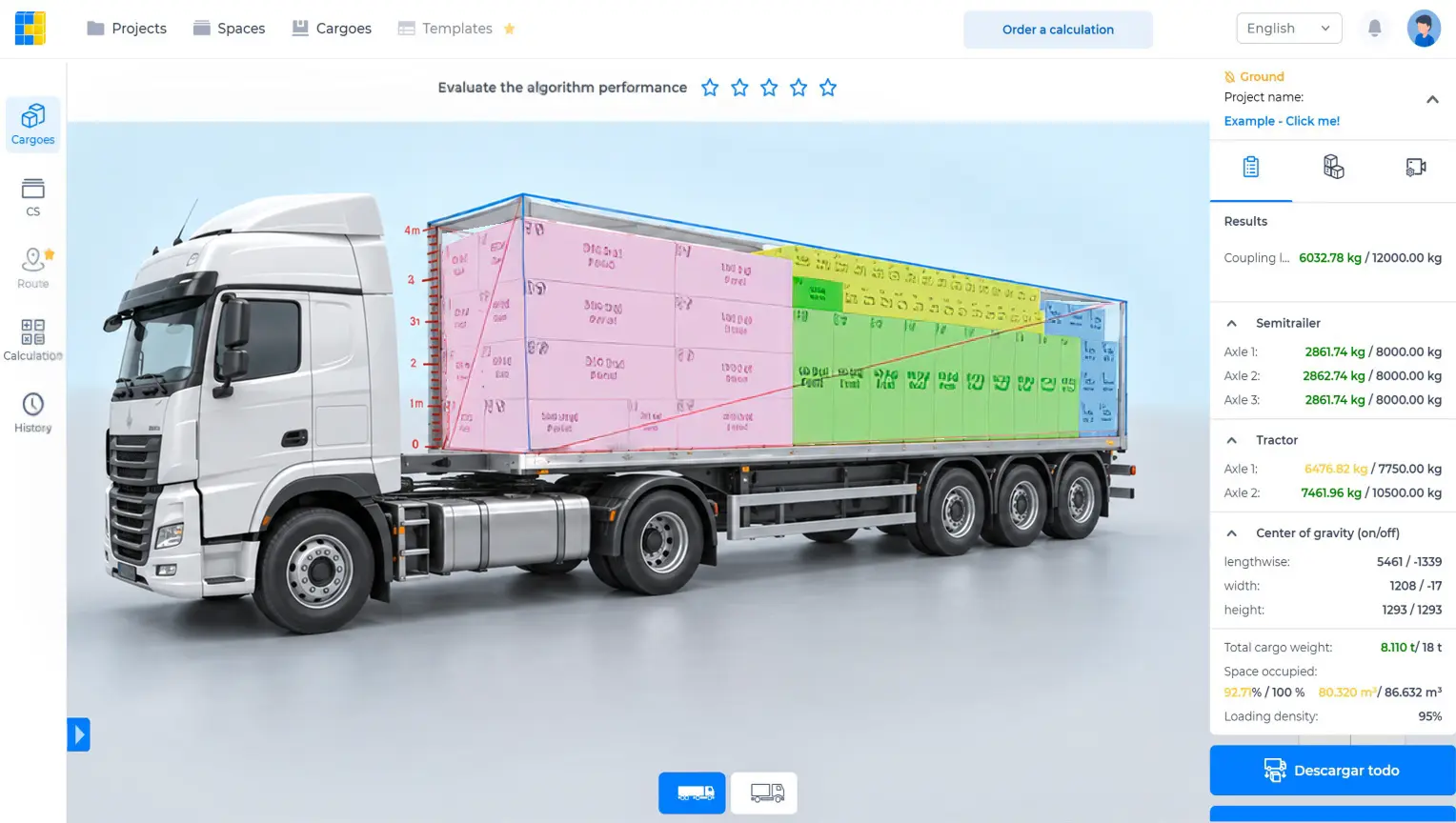
Actual CargoTetris interface from the product website. The screen shows a separate demonstration load, not the numerical example in this guide.
Watch the CargoTetris workflow
See the English product walkthrough, from cargo data to loading instructions. Duration: 7:52.
Container volume questions
Can I divide container CBM by pallet CBM to get a pallet count?
That gives a volume-only ratio. It ignores the shape of the available space, complete rows, stacking restrictions, the door and handling clearance. Check a floor or 3D arrangement before using the count.
Is a 40-foot container exactly twice the usable space of a 20-foot container?
Do not use that shortcut for a loading decision. Compare the actual internal dimensions, door opening and payload of the equipment offered for the shipment.
What is a good container utilisation percentage?
It depends on the shipment and on the metric. Floor coverage, volume ratio and payload utilisation answer different questions. State which one you use and compare loads with equivalent restrictions.
See the arrangement inside your container
Create your account, add the measured cargo and choose a loading space. Review the placement in CargoTetris before completing your loading checks.
Calculate cargo volume in CBM with metric and inch examples. Check mixed carton sizes, avoid double counting, and prepare your data for a 3D load plan.