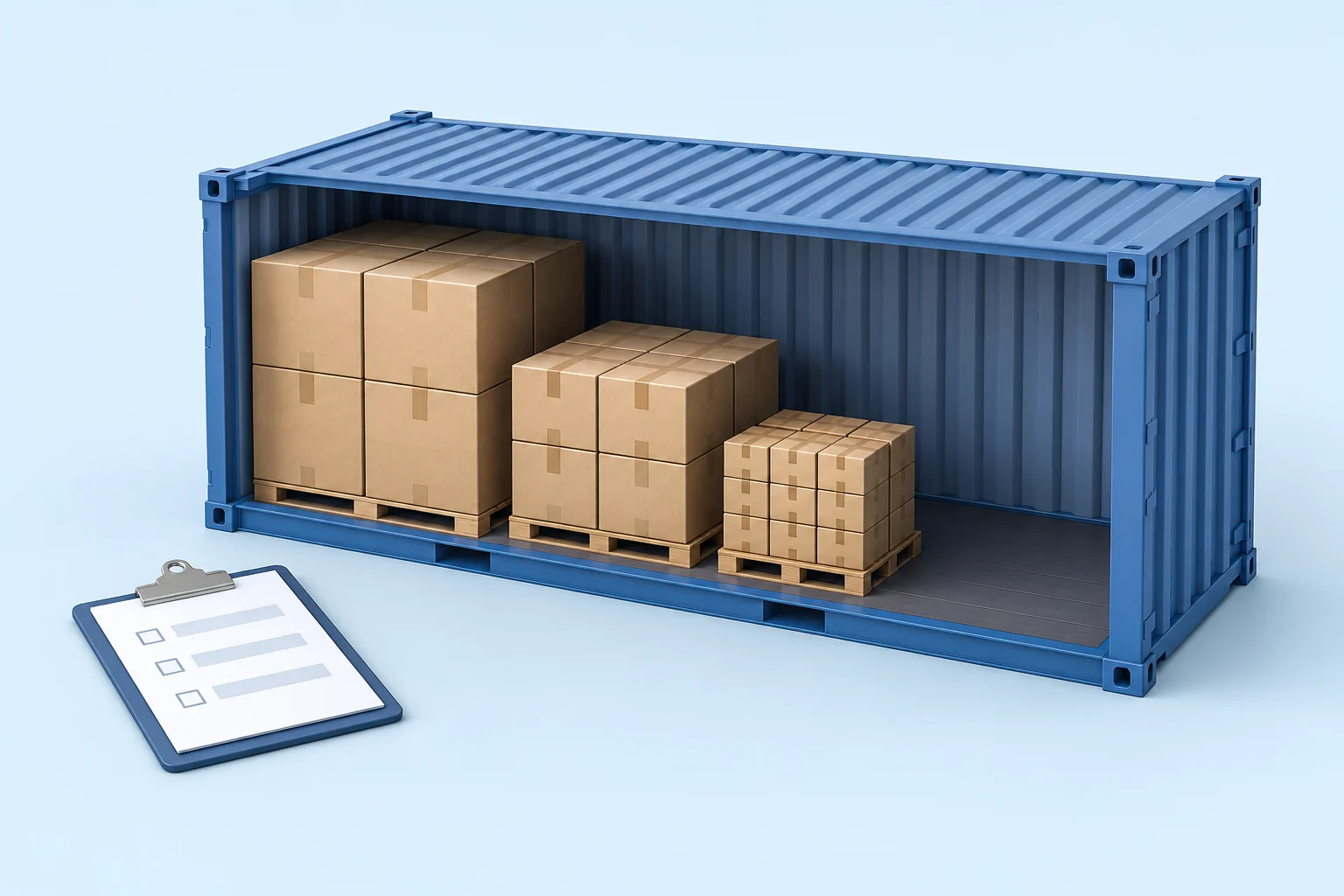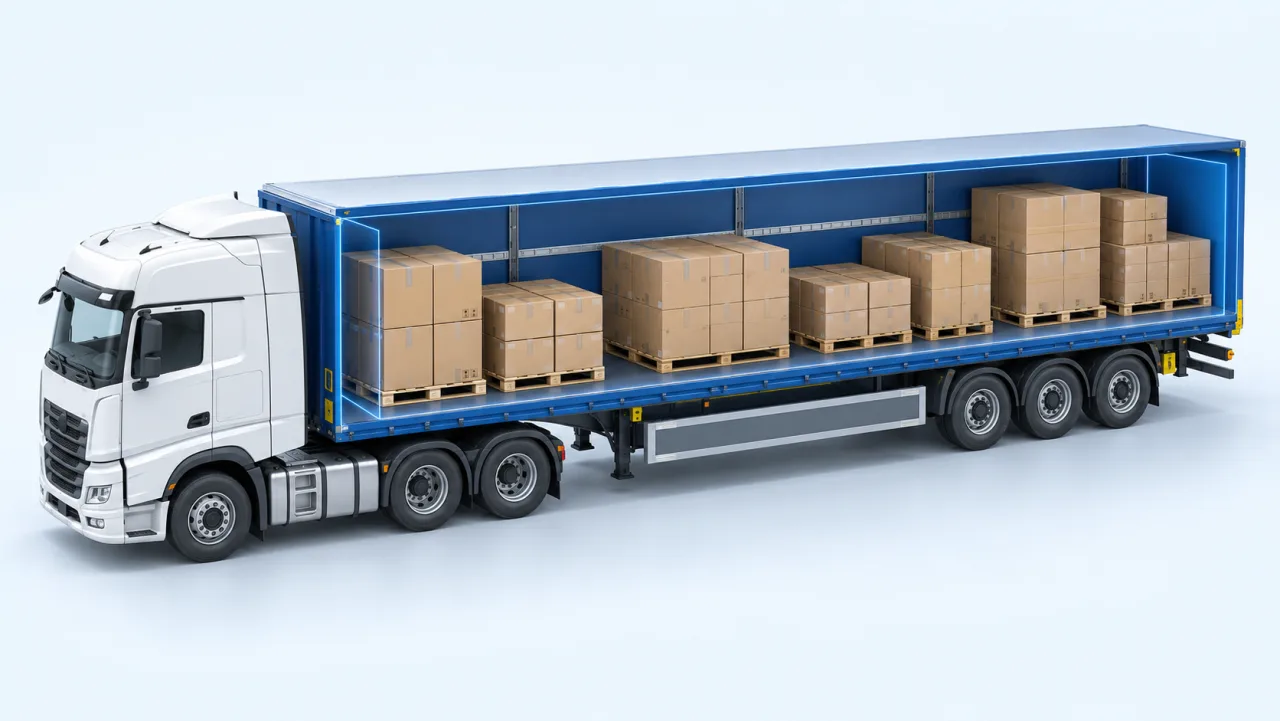
Tire loading optimization for trucks and containers


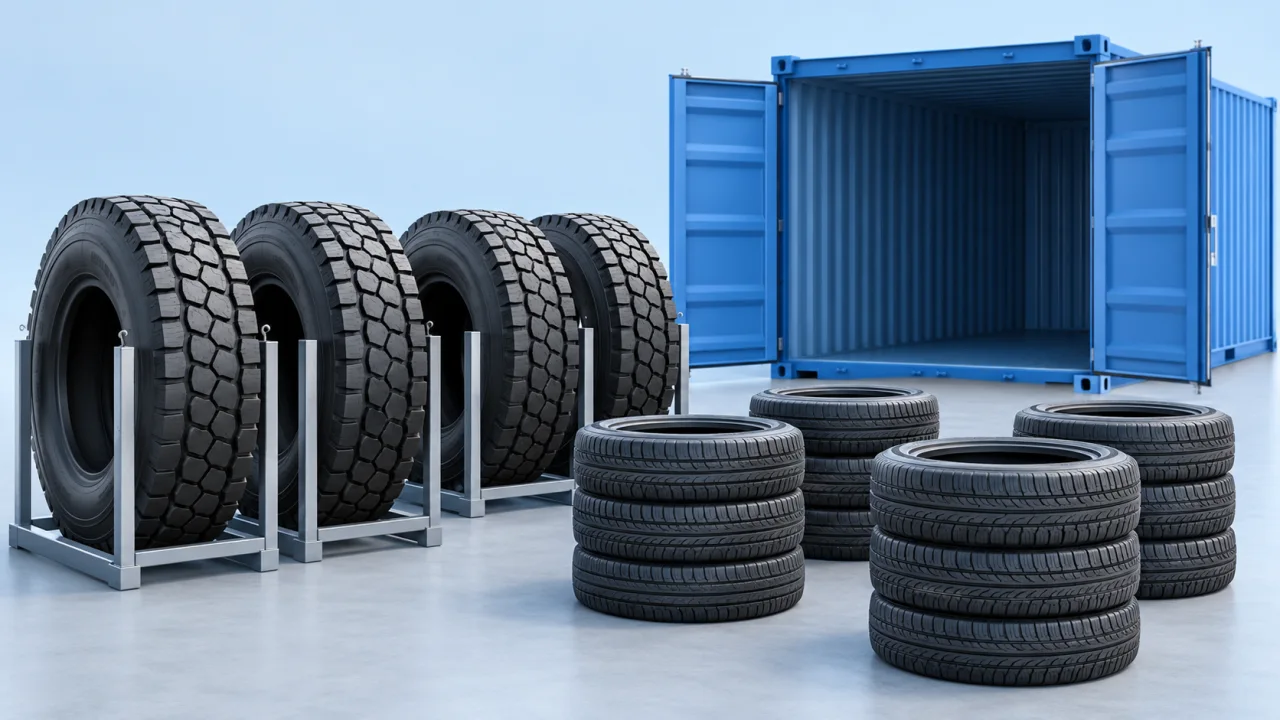
Tires are one of the least forgiving things to load. They are bulky relative to their weight, they come in dozens of sizes in a single shipment, and the way they are stacked decides whether a container goes out at a respectable fill rate or half full of air.
A tire is not a rectangular carton. Its outer diameter, section width, permitted position and handling method all affect the arrangement. A rectangular envelope can be a useful conservative check, but it does not describe nesting or interlocking.
In this guide
Why tire shipments waste space
Three properties cause most of the difficulty.
Low density. Tire shipments can reach the space limit before the weight limit. That makes usable space important, alongside handling time, weight distribution and the cost of the complete shipment.
Many sizes at once. A distributor order is rarely one SKU. It is a mix of passenger, van and truck sizes, each with its own outer diameter and section width, and each combination fills a different shape of gap.
Position changes everything. A tire laid flat and stacked in a column occupies a different footprint from the same tire stood upright in a row. The two methods give different fill rates, different stability and different handling effort, and the right choice depends on the mix.
| Input | Value |
|---|---|
| Outer diameter | 0.70 m |
| Shipping width | 0.22 m |
| Rectangular envelope per tire | 0.70 × 0.70 × 0.22 = 0.1078 m³ |
| 20 identical tires | 20 × 0.1078 = 2.156 m³ |
This envelope is a data-check example, not the rubber volume or a forecast of how many tires fit. Orientation, support, voids and approved loading methods change the actual arrangement.
Prepare tire data in the form your workspace supports
Record the outer diameter, section width, gross unit weight and quantity for each tire size. If your CargoTetris workspace provides a dedicated tire type, check its field definitions and supported positions before entering the batch. A feature or handling mode available in a tailored setup should not be assumed to exist in every account.
Two consequences follow, and they are the practical reason the type exists.
Use actual shipping dimensions from the supplier or measurement. A tire designation alone is not a complete packed-dimension record, especially when protective packaging or bundling changes the shipping unit.
Distinguish a tire lying flat on a sidewall from one standing on its tread. Match the product's position labels to the 3D view rather than assuming that a horizontal or vertical label means the same thing for every cargo type. Permit only methods approved by the tire supplier and the warehouse.
Position changes the footprint of every unit. Comparing approved alternatives can reveal unused space; an arrangement that the loading crew cannot carry out should be rejected regardless of its displayed fill rate.
The rules that still apply
Record the approved stacking height or tier limit, support conditions and permitted weight on top. Apply the settings available in the workspace and review any requirements the model cannot represent.
Do not assume that a smaller tire can support a larger one. Use the supplier's handling instructions for mixed sizes, and check that any support or restraint needed by the real load is included in the operation.
Mixed batches
With a mixed order, group the cargo. Group by size, by customer or by unloading point, depending on what happens at the other end. Grouping keeps related items together in the layout instead of scattering them wherever they happen to fit, which is what makes the load usable when it is unloaded.
Trucks and containers are not the same problem
For sea-container work, check space, payload, floor loading, door access and securing requirements. A high volume figure alone does not make a tire arrangement suitable for shipment.
For a road vehicle, weight distribution still applies even with light cargo, because a trailer loaded front-heavy or rear-heavy fails an axle check regardless of how much total weight it carries. The results panel reports the load on each tractor and semi-trailer axle, the coupling load and the centre of gravity alongside the fill rate; there is a worked example with real figures showing how far those can diverge from the total.
Adjust and export
Review the arrangement and use supported manual editing controls where needed. CargoTetris provides PDF and Excel reports for sharing the intended loading plan. Match the report to the final cargo list before handing it to the crew.
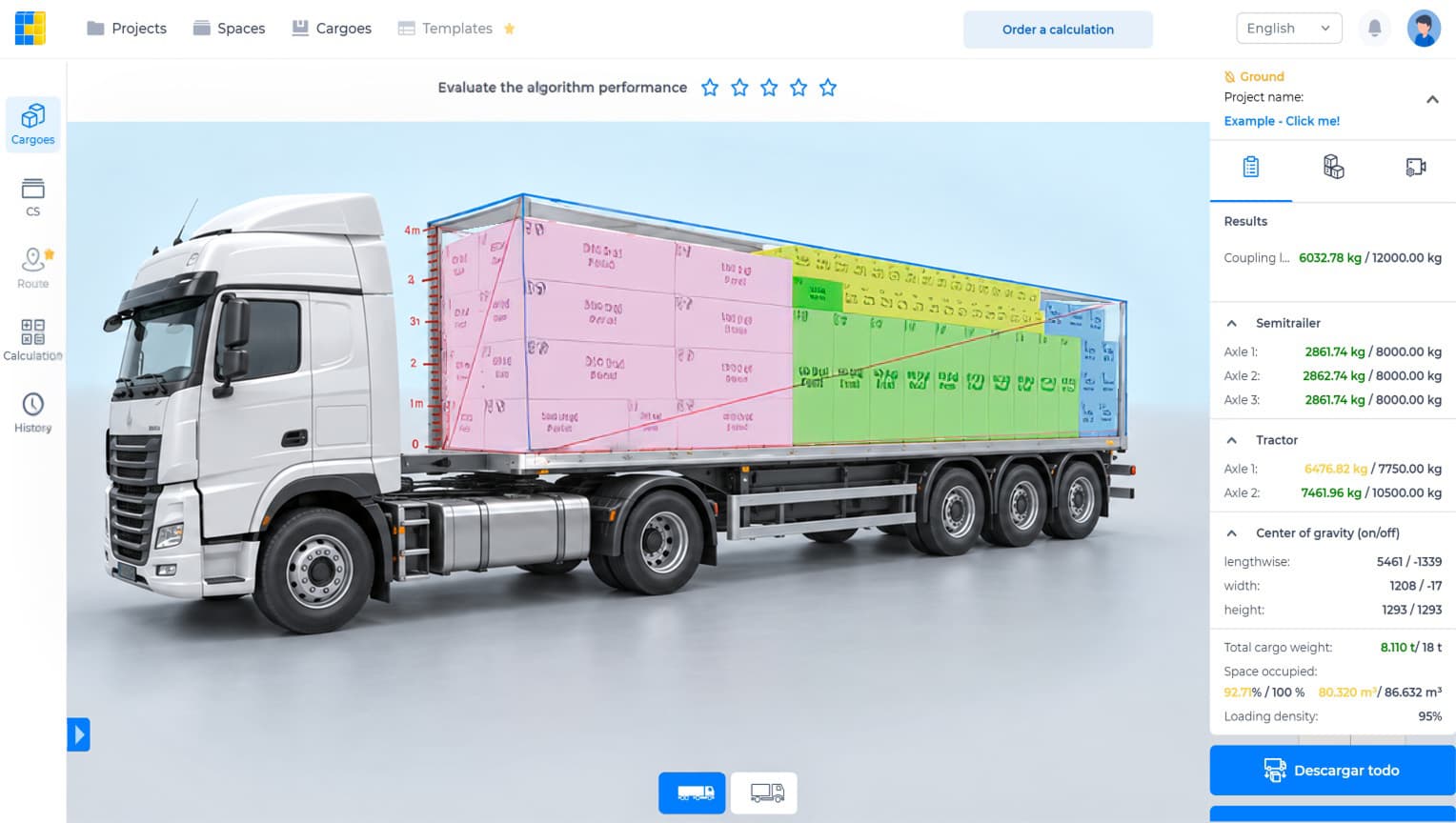
Watch the CargoTetris workflow
See the English product walkthrough, from cargo data to loading instructions. Duration: 7:52.

Start with your own cargo list
Create an account, enter a representative shipment and review the available planning workflow with your team.
Continue to complete registration in the app.
Read also