Multi-stop truck load planning: arrange cargo in delivery order


Imagine a trailer with a high fill rate that forces the driver to move other orders at the first stop just to reach the delivery. On multi-drop routes, access in delivery order can matter more than the last few percent of occupied volume.
In this guide
Last in, first out
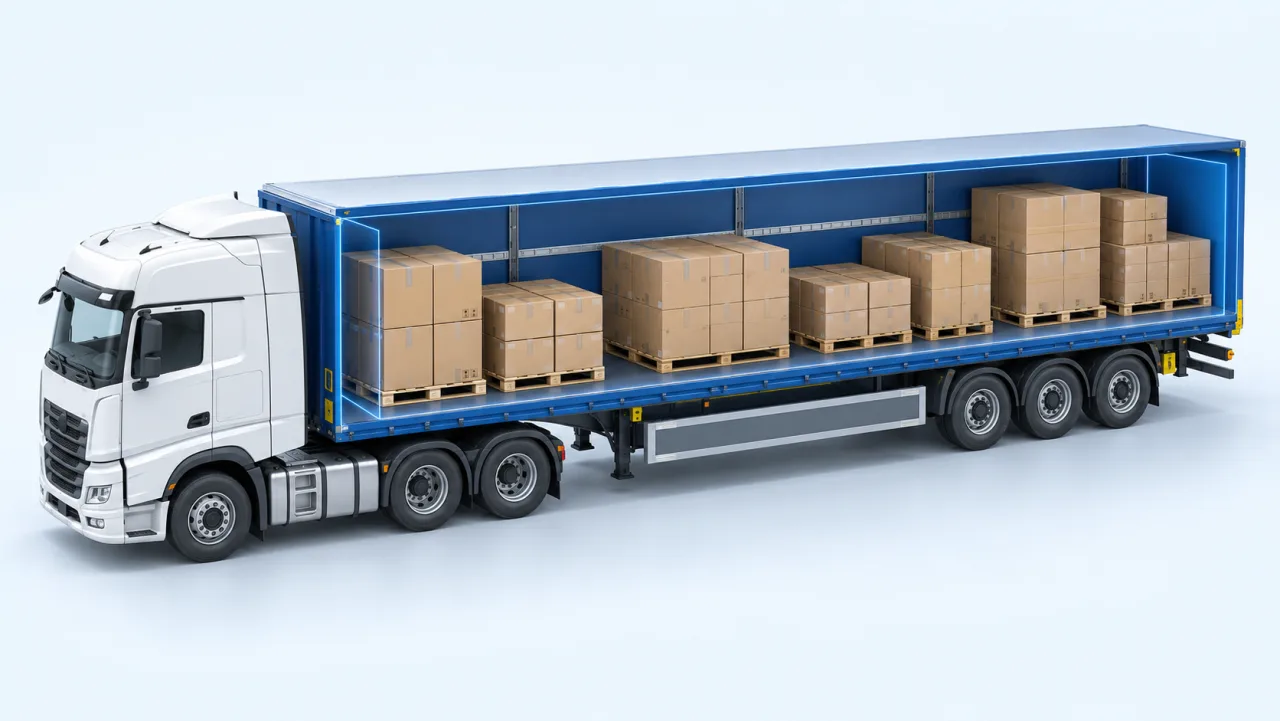
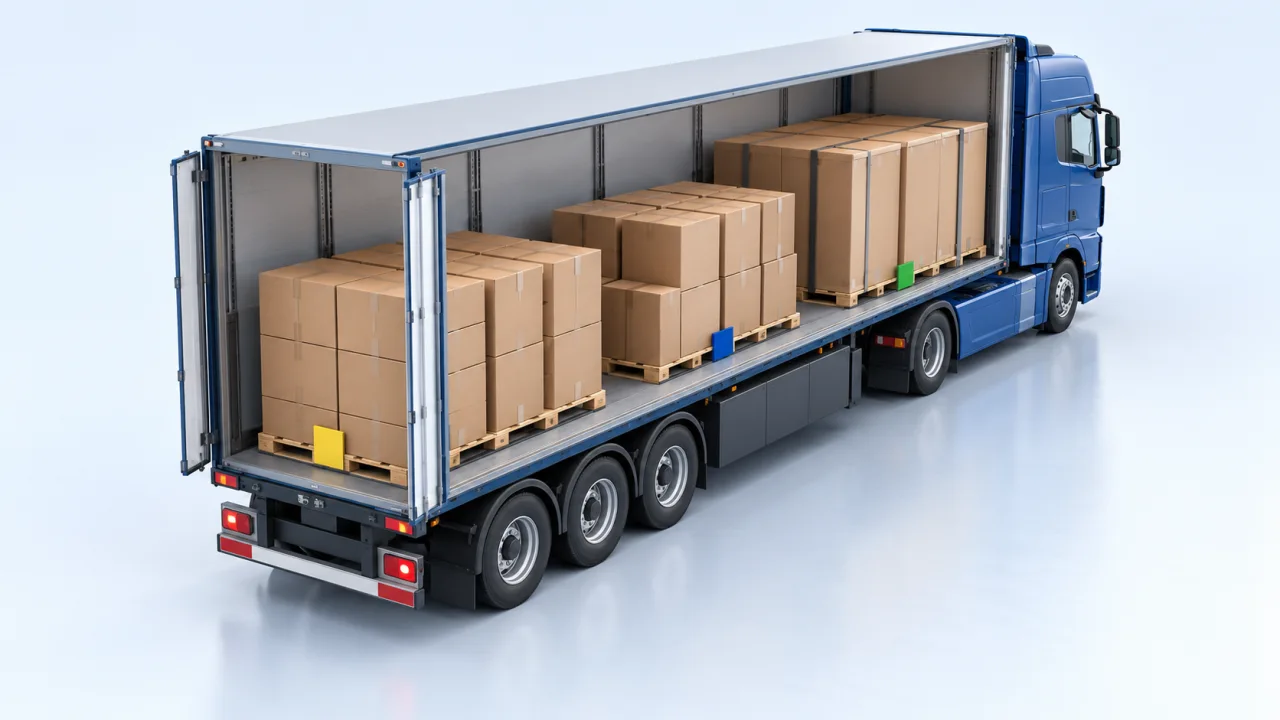
For a vehicle unloaded only through the rear, start with last-in, first-out planning: goods for the first delivery stay accessible near the doors, while later deliveries are placed deeper inside. Side unloading or special handling can require a different arrangement.
When a stop, quantity or order changes, recheck the whole arrangement. The previous plan may no longer provide access in the required order.
| Delivery order | Cargo group | Starting placement principle |
|---|---|---|
| 1 | Stop A | Accessible nearest the rear doors |
| 2 | Stop B | Behind A in the unloading sequence |
| 3 | Stop C | Deeper in the loading space |
Check the departure state, the state after A and the state after B. Access and weight distribution must remain acceptable in the actual unchanged positions of the remaining cargo.
Grouping is the mechanism
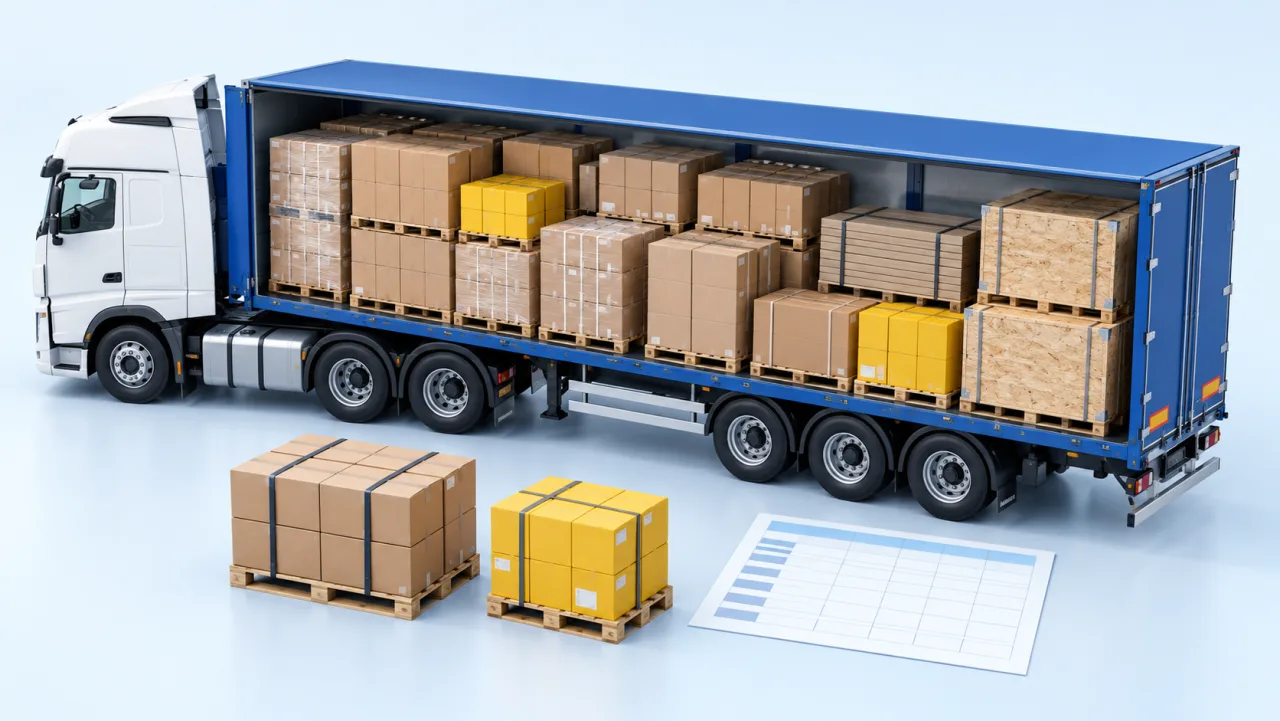
The practical solution is to stop treating the trailer as one space full of assorted items. Group the cargo by delivery point, give each group the name of the stop, and plan groups rather than individual cartons.
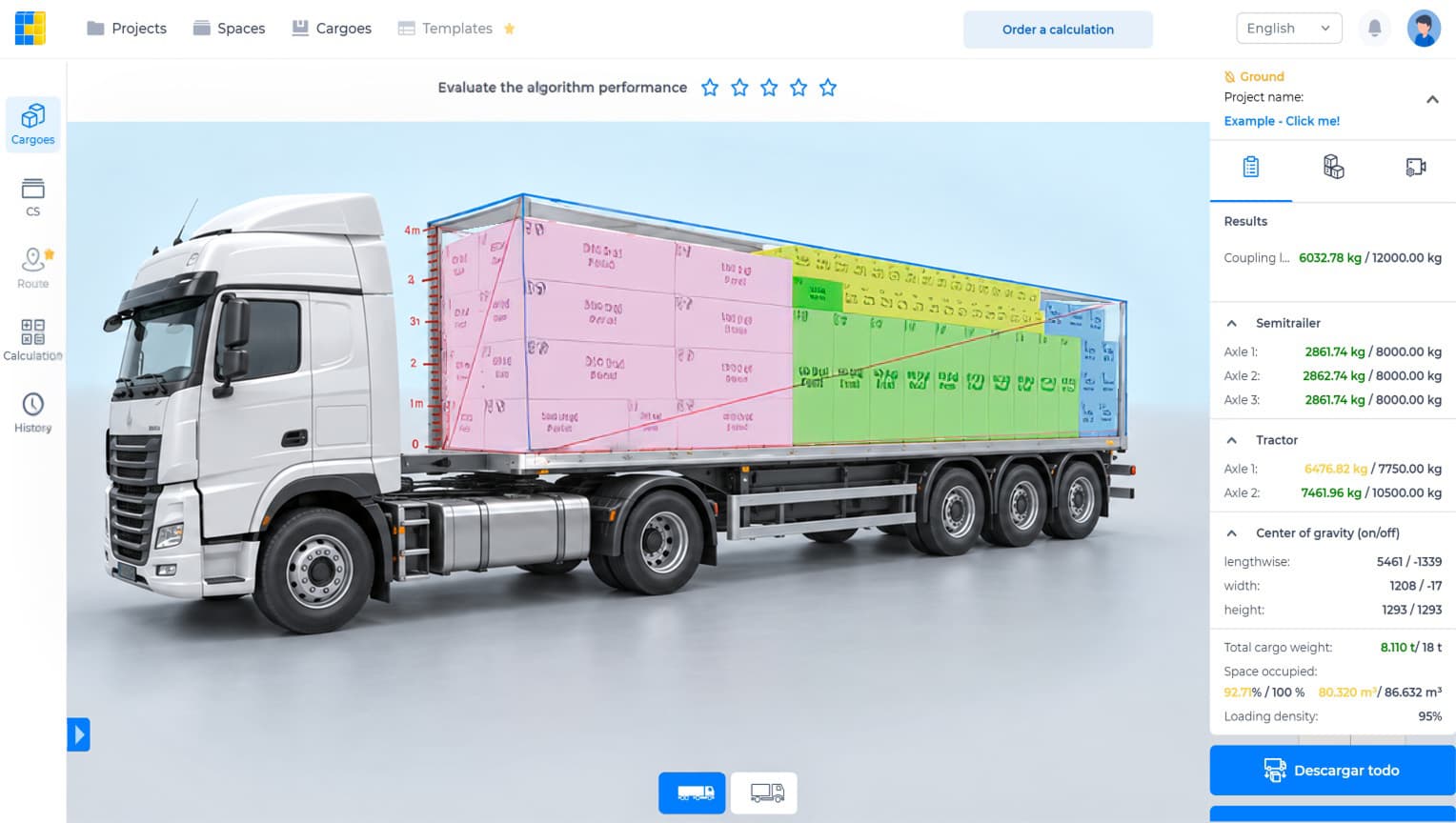
CargoTetris supports cargo groups and a loading-sequence option. Arrange groups in the required order in the cargo-addition tab, then inspect the result. Reverse route order is a starting point for rear unloading, not a guarantee of access in every layout.
When the route changes, you change the group order and recalculate rather than rebuilding the plan.
The trade-off, stated honestly
Delivery-order restrictions can reduce the range of available arrangements and may reduce fill rate. A gap near the doors is not useful if filling it blocks the first delivery. Compare the actual alternatives before assuming a fixed trade-off.
For an illustrative time comparison, ten minutes of restacking at each of four stops totals 10 × 4 = 40 minutes. This is an example, not a measured CargoTetris saving. Record your actual handling time and compare it with the capacity and cost of the alternative plan.
Weight distribution changes as the truck empties
This is the part multi-drop planning most often misses. A trailer that passes its axle check when fully loaded can fail it after the first two stops, because the remaining cargo is concentrated at the front.
Removing goods changes the remaining mass and its position. The direction and size of the axle-load change depend on vehicle geometry and on which cargo is removed; it cannot be inferred from the departure cargo total alone.
The results panel reports the configured plan's axle and coupling readings. Review the important intermediate states using the actual remaining cargo and unchanged positions of the goods still on board. A new calculation that rearranges the remaining goods cannot by itself validate their physical positions after an actual delivery.
What the driver receives
Use the step-by-step view and the available PDF or Excel report to explain the intended loading and unloading order. Check the final instructions against the route and the actual vehicle access before departure.
Try it on a real route
Take a route you run regularly and plan it twice: once for maximum fill, once grouped in delivery order. Compare the fill rates, then compare that difference against the time your drivers currently spend restacking.
Watch the CargoTetris workflow
See the English product walkthrough, from cargo data to loading instructions. Duration: 7:52.

Start with your own cargo list
Create an account, enter a representative shipment and review the available planning workflow with your team.
Continue to complete registration in the app.
Leia também