Appliance load planning: orientation and product compatibility rules


Appliances can be high-value goods with strict handling requirements. An unsuitable orientation or an excessive load on the packaging can lead to rejected goods. The planning task is to preserve those requirements while making practical use of the vehicle.
In this guide
Orientation is not negotiable
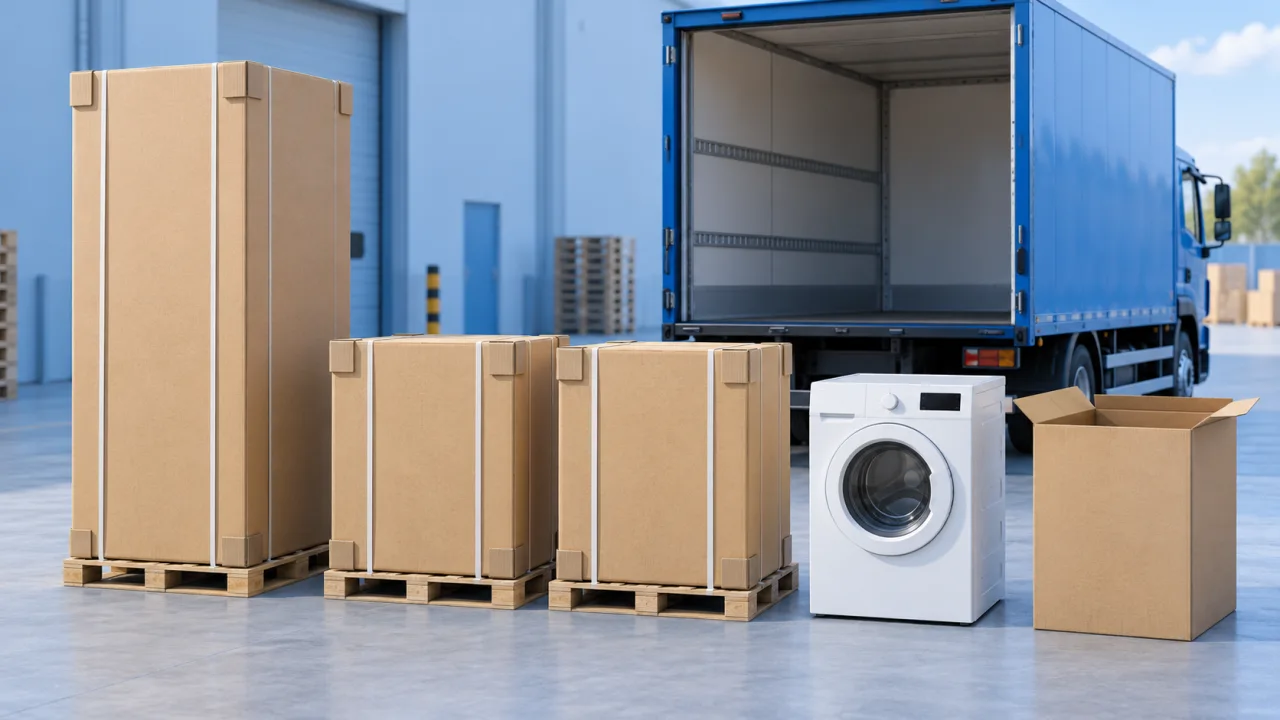
Follow the handling markings and manufacturer's transport instructions for each model. Some products must remain upright, while others permit limited alternative positions. Do not generalize from one appliance category to another.
Set permitted positions before calculating. In CargoTetris, check the orientation controls available for the cargo item and inspect the resulting placement. Keep approved handling data in the cargo record so a future planner can review the same requirements.
| Check | Assumed requirement | Decision |
|---|---|---|
| Weight above a carton | 40 kg permitted; 90 kg proposed | Exceeds the assumed limit by 50 kg |
| Number of tiers | 2 permitted; 4 proposed | Exceeds the assumed tier limit |
| Orientation | Upright required | Reject a side-laid placement |
These are synthetic handling limits, not specifications for any appliance model. Use the actual manufacturer and packaging requirements for the shipment.
What may sit on top of what
For an illustrative packaging check, suppose a carton is rated to carry 40 kg above it and an appliance weighs 90 kg. That appliance exceeds the assumed support limit by 50 kg. A separate two-tier packaging limit also remains binding even if the vehicle has room for four tiers.
The permitted load on top, tier limit and floor-only requirement describe different aspects of stacking. Apply the supported controls and verify the final arrangement. Pairwise compatibility between product categories can require a tailored setup; do not assume it follows automatically from a weight limit.
The commercial issue is the cost of rejected goods and repeat handling, not just unused space. Estimate that cost from your own shipment and claims records rather than attaching a generic saving to the software.
Mixed loads of pallets and loose cartons
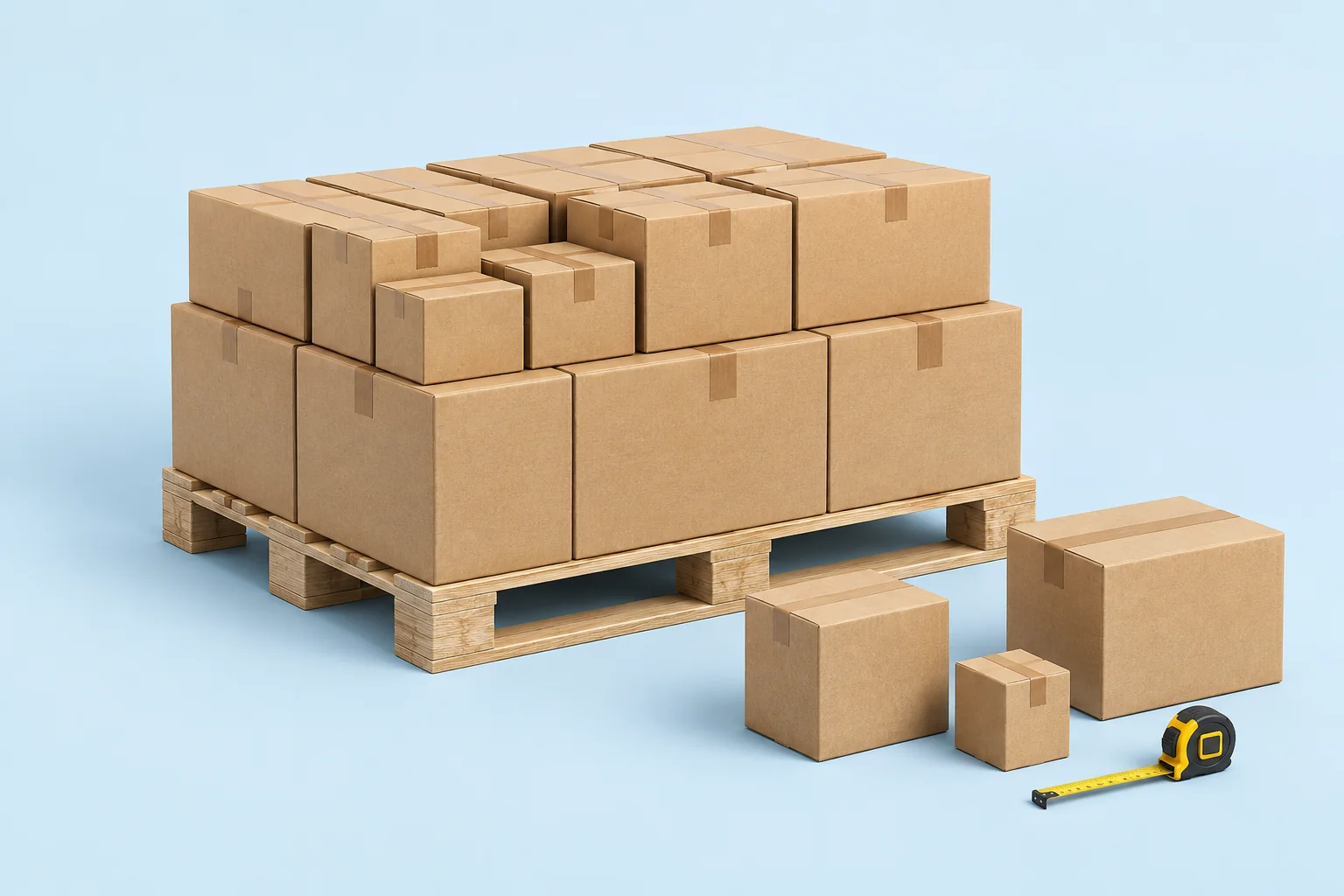
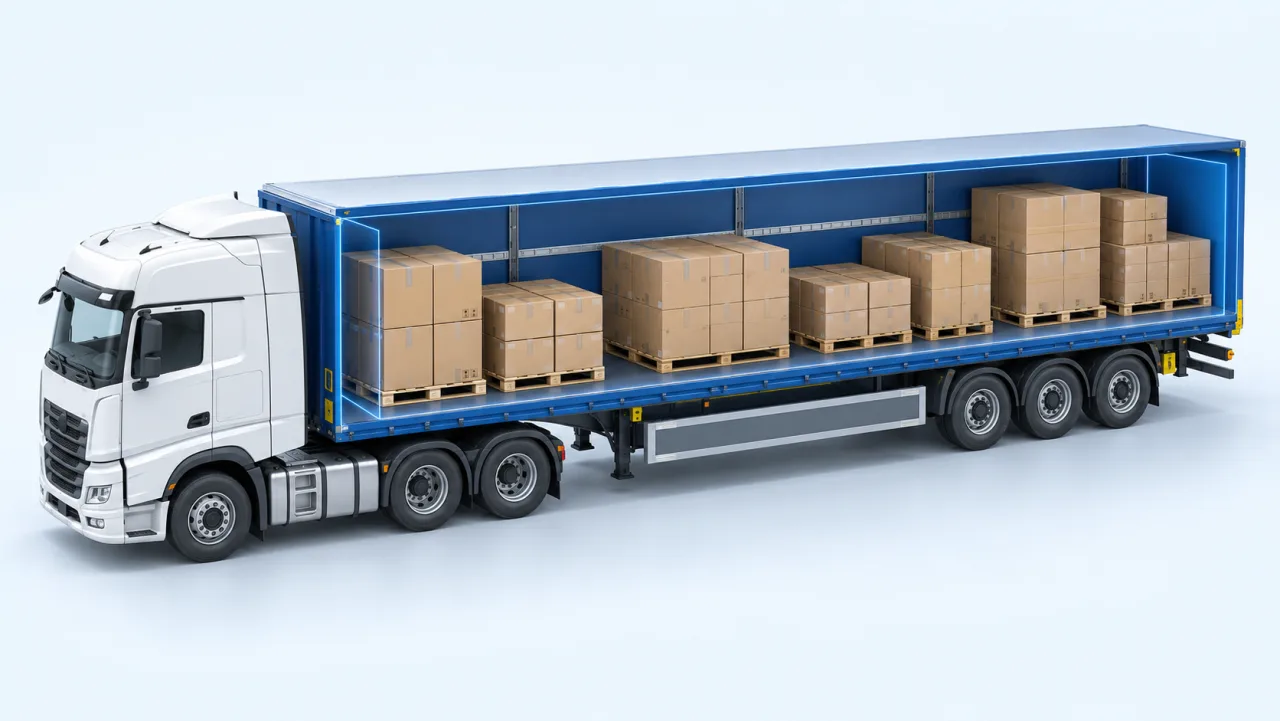
Appliance shipments are rarely uniform. A distributor order mixes palletized units with loose cartons of smaller goods, and the two have to be planned together.
First define the finished palletized units and the loose cartons. CargoTetris provides pallet and vehicle loading spaces; confirm which multi-level features are enabled for your workflow. When entering complete loaded pallets, do not also count their contents as separate loose cargo.
Grouping by order
Group cargo by customer or delivery point and set the loading sequence. For rear unloading, reverse delivery order is a useful starting point, but access, stacking and weight distribution still need to be checked.
The numbers behind the layout
Review space occupied and total cargo weight alongside the arrangement. For a configured road vehicle, check the individual axle and coupling readings as well. A shipment that is light for its volume can still have uneven weight distribution.
Correcting the plan
Use supported manual editing controls to adjust the plan, then review the final state and share the available PDF or Excel report. Check that every change still follows the product's approved orientation and packaging rules.
Related case studies
The CargoTetris website describes tailored implementations for these appliance manufacturers. The cases concern specific compatibility and integration requirements; they are not a guarantee of the same configuration or outcome for every account:
Hisense: Read the case
Midea Group: Read the case
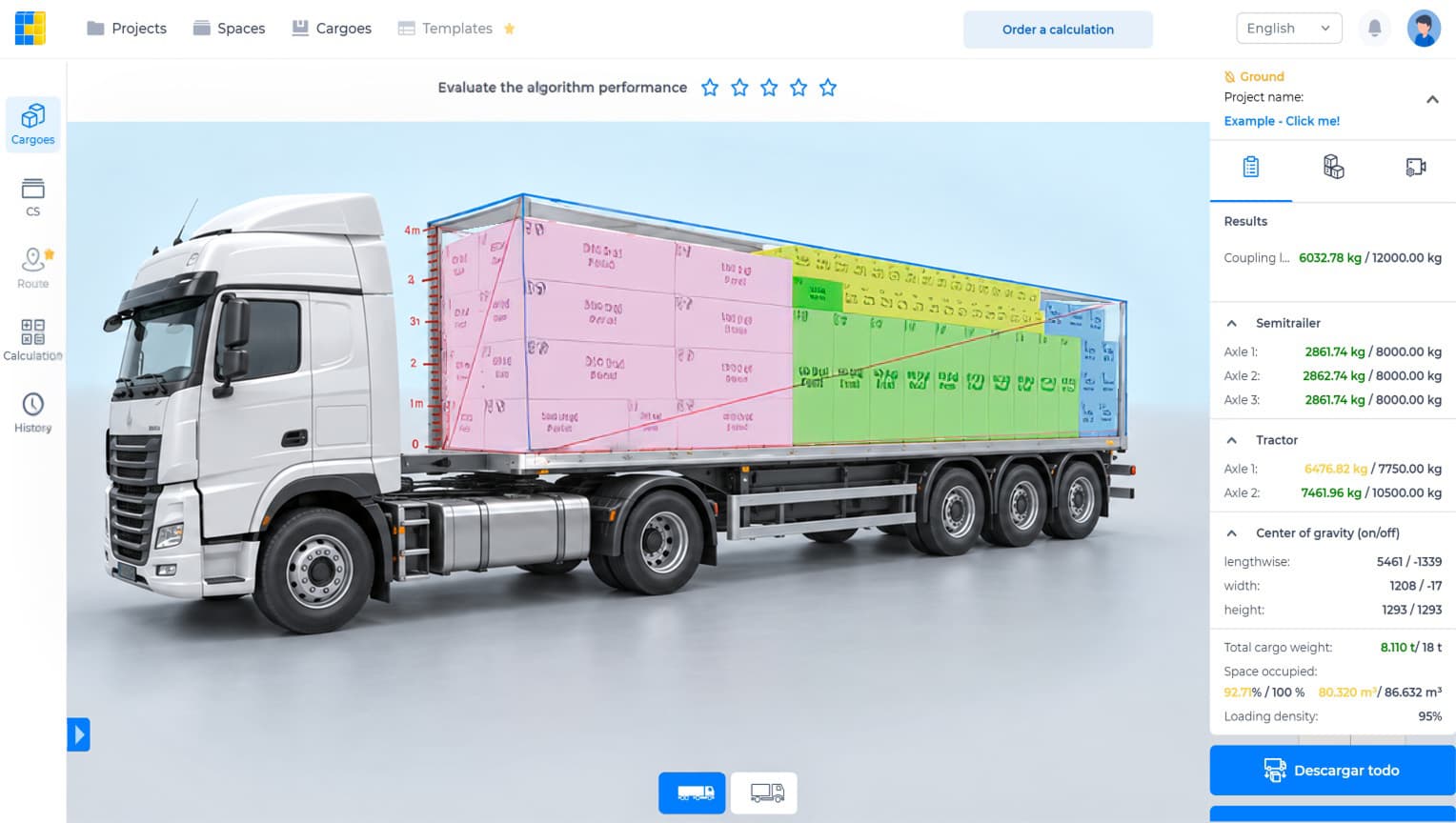
Watch the CargoTetris workflow
See the English product walkthrough, from cargo data to loading instructions. Duration: 7:52.

Start with your own cargo list
Create an account, enter a representative shipment and review the available planning workflow with your team.
Continue to complete registration in the app.
Read also